Buying a House With Smart Devices: What to Reset on Move-In Day
You get the keys at closing. You don’t automatically get the accounts. Here’s what to reset on move-in day, in what order, and what to ask the seller for before you close.
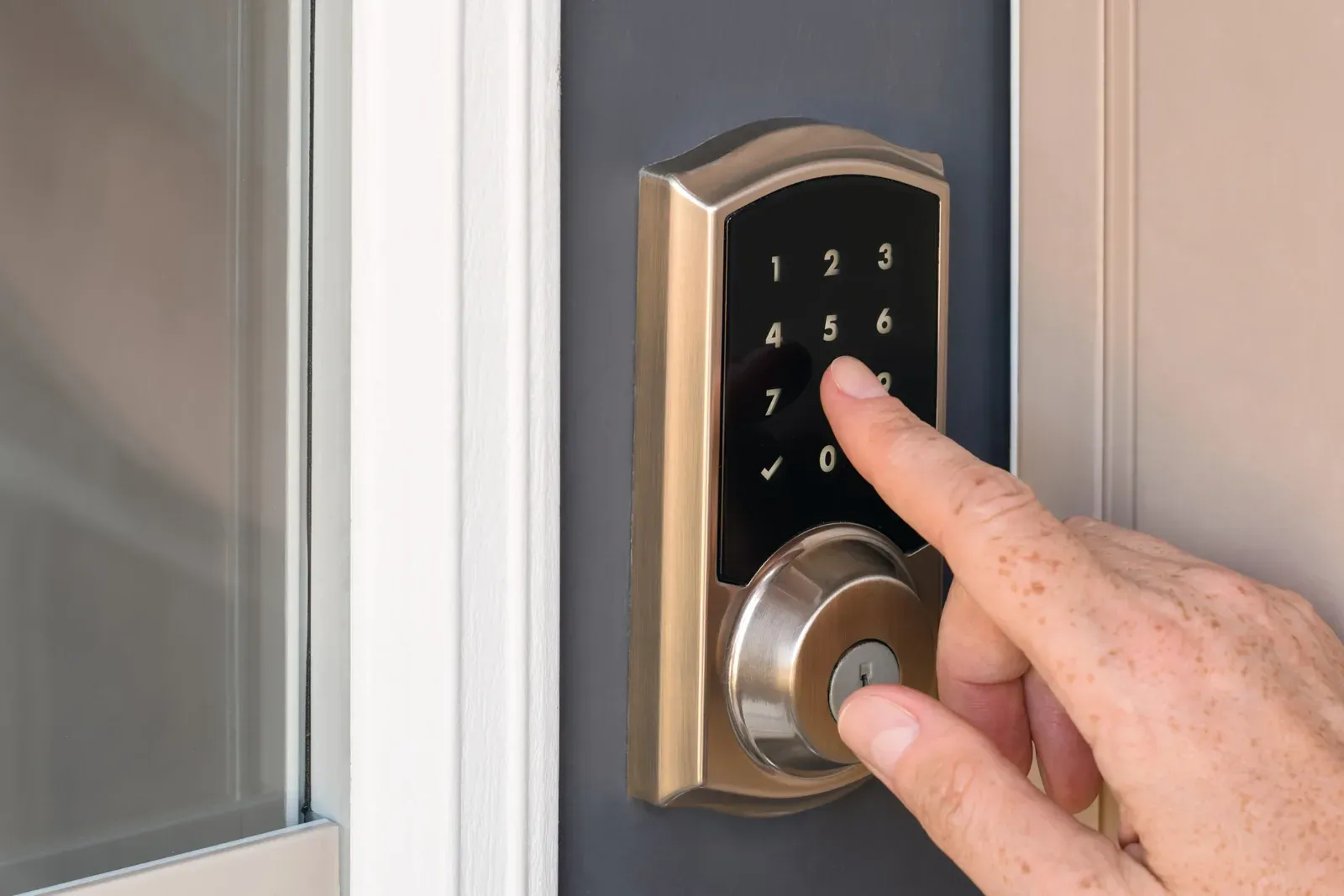
Short answer: On move-in day, reset everything that can unlock, open, see, or hear your home: smart locks, the garage door opener, cameras, the video doorbell, and the alarm. Then do the Wi-Fi router, thermostat, and hubs. A reset button alone isn’t always enough, because the seller also has to remove each device from their account, so ask for that before closing.
You get the keys at closing. You don’t automatically get the accounts. The lock on the front door, the camera over the garage, and the thermostat in the hall may all still answer to someone else’s phone.
Closing used to mean handing over physical keys. These days the virtual keys have to change hands too.
These days I work with smart devices in rental properties. We’ve built automations that handle all of this in the background at every move-in and move-out. A home sale has nothing like that, so the work falls to you.
The part most people miss is that a smart device answers to an account and a network, not to whoever holds the keys. This is the checklist I’d follow in my own home.
Can the previous owner still control my smart home?
Yes, if the devices are still on their account. A smart device belongs to an online account, not to the house. Until the seller removes it, their app can keep working from anywhere.
This is rarely malicious. Sellers forget. They are packing a house, and the thermostat app is the last thing on their mind. The result is the same either way: someone who doesn’t live there can change your heat, see your porch, or open your door.
The usual fix has two halves:
- The seller removes the device from their account. This cuts the online link.
- The device gets a factory reset. This wipes codes, schedules, and settings so you can set it up as new.
Do only the second half and some devices will still say they belong to someone else when you try to add them.
What should I ask the seller for before closing?
Ask while you still have the seller’s attention. After closing, a five-minute job for them becomes a big headache for you.
- A list of every connected device staying with the house: brand, model, and the app it uses
- Confirmation that each one has been removed from the seller’s account and factory reset
- Any PINs or master codes for locks, thermostats, alarm panels, and keypads
- Where the hubs and bridges live, and whether the router or any built-in Wi-Fi access points are staying
- Manuals, or at least model numbers so you can look them up
- Which subscriptions exist (camera recording, alarm monitoring) and that they are cancelled
Get the list in writing, even if it is just an email. Before you take the keys, check that device screens show a setup prompt rather than a lock screen.
If you only get one thing on this list, make it the second. A device the seller hasn’t removed from their account and reset is basically unusable to you.
What should I reset on move-in day, and in what order?
Start with whatever opens a door. Work down from there.
| Order | Device | Why it matters | What to do |
|---|---|---|---|
| 1 | Smart locks and keypads | Old codes and app access still open the door | Delete every user code, factory reset, set a new master code, and add it to your own account |
| 2 | Garage door opener | Old remotes, keypads, cars, and apps can still open it | Clear the opener’s memory, re-pair only your remotes, set a new keypad PIN, and connect your own app |
| 3 | Cameras and video doorbell | The seller may still see live video and get alerts | Confirm they are off the seller’s account, reset, and set up under yours |
| 4 | Alarm system | Old codes disarm it; alerts may go to the seller | Set a new master code, delete user codes, and start monitoring in your name |
| 5 | Wi-Fi router (if it stayed) | Whoever knows the admin password controls the network | Factory reset and set a new network name and new Wi-Fi and admin passwords, or replace it |
| 6 | Thermostat | Remote changes to your heating and cooling | Reset, clear old schedules, and add to your account |
| 7 | Hubs, bridges, and smart speakers | They hold the pairings and routines for everything else | Reset each one and pair devices fresh |
| 8 | Everything else | Switches, plugs, sprinklers, appliances, leak sensors, and the EV charger | Reset and re-add as you get to them |
The details that trip people up
Locks: reset the smart part and the metal part. A smart lock usually still has a keyhole. Clearing the codes does nothing about the spare keys the seller gave to neighbors and contractors. Rekey the cylinder too.
Garage: clear the opener, not just the app. Most openers have a learn button that erases every paired remote and keypad at once. Do that first, then pair yours. Remember the built-in buttons in the seller’s cars were paired too.
Cameras: look for ones nobody mentioned. Walk the outside of the house and check the eaves, the garage, and the back door. Inside, check shelves and corners in main rooms. If a camera stays, make sure any recording plan is in your name before you rely on it.
Router: find out what is connected. Once you have reset the router and logged in, open its list of connected devices. It is the fastest way to find smart devices you didn’t know you owned.
Matter devices can belong to more than one app. A newer lock or switch may be shared with several smart home apps at once. Removing it from one doesn’t remove it from the others. A full factory reset on the device clears all of them.
Z-Wave and Zigbee devices belong to a hub. Switches and sensors on these networks stay paired to the old hub, even if the hub left with the seller. Each one needs to be reset or excluded before your hub can adopt it.
When the app says the device belongs to someone else. The seller didn’t remove it from their account. Ask them to remove it; it takes a minute in the app. If you can’t reach them, contact the manufacturer with the model, serial number, and proof you own the home. A few brands let you claim a device just by being physically at it.
When a reset isn’t worth the trouble. If a lock or camera is old, unsupported, or locked behind a PIN nobody remembers, replace it. My rule of thumb is cost. If the device is cheap, don’t spend an afternoon chasing the seller or the manufacturer. Just go ahead and replace it.
The devices I’d add on day one. Water sensors, plural. They’re what I’d tell every homeowner to buy, and a new house is exactly where you don’t yet know what is about to leak. Put one anywhere water might escape:
- Under every sink
- Behind or beside the washing machine
- Next to the dishwasher
- At the base of the water heater
- Behind toilets
- Behind the fridge, if it has an ice maker or water line
- By the HVAC drain pan
- At the lowest point of the basement, near the sump pump if there is one
Quick questions
Does a factory reset remove the previous owner?
Not always. A reset wipes the device, but some stay registered to the old account until the seller removes them in the app. Ask for both.
Do I still need to rekey if the house has smart locks?
Yes. Deleting codes doesn’t affect physical keys. Rekeying is cheap and covers every copy the seller ever handed out.
What if I can’t reach the seller?
Contact the manufacturer with the serial number and proof that you own the home. Most have a process for releasing a device from an old account.
Should I keep the smart devices that came with the house?
Keep them if they reset cleanly and the maker still supports them. Replace anything that controls entry if you can’t fully clear it.
Wondering whether any of this adds value? See the pros and cons of smart home technology.

Written by Angel Piontek
I came to technology by way of real estate, and I’ve spent my career explaining each to the other. Today I lead marketing for connected property technology, including the access, energy, water, and security systems behind apartment communities and rental homes. I’m an early adopter by nature and a pragmatist by experience: I care about devices that work together and quietly do their job. Off the clock, I’m learning to print on two gorgeous vintage letterpresses.
Full bio →